Timeline View
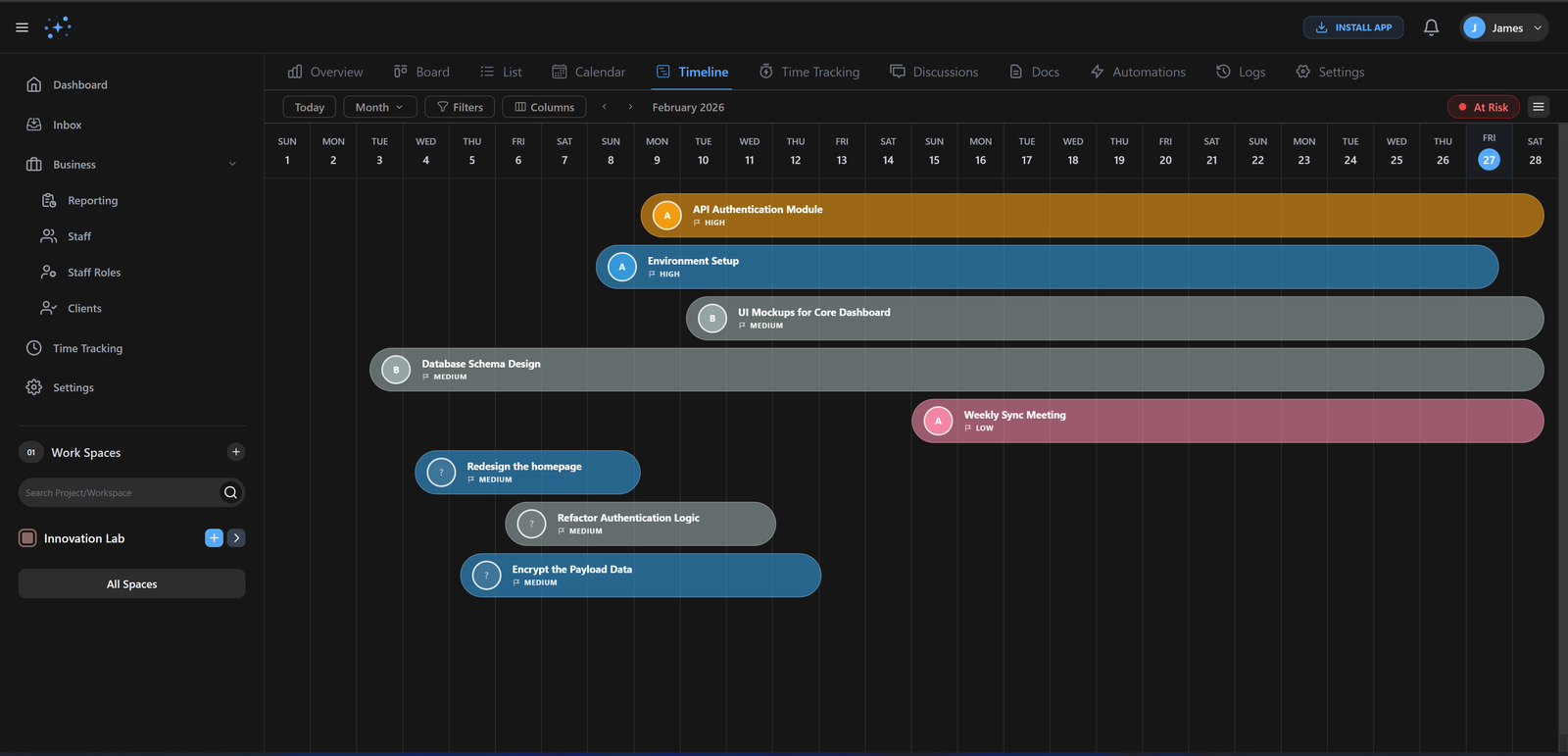
When complex projects have moving parts, you need more than a list. Our Timeline View gives you a cinematic look at your project roadmap.
10+
Zoom Levels
Infinite
Dependencies
How it works
Get up and running with Timeline View in three simple steps.
Add milestones
Define key dates and high-level project phases.
Link Tasks
Draw lines between tasks to set strict dependencies.
Auto-Schedule
Let Gennie calculate the optimal path and dates.
Project Roadmaps
Visualize cross-project dependencies and team capacity over months or years. Plan for the future with data, not guesses.
Critical Path Analysis
Identify the exact tasks that, if delayed, will push back your final ship date. Focus your resources where they matter most.
Gennie vs. Legacy Tools
Why high-performing teams are making the switch.
| Capability | Gennie | Alternative |
|---|---|---|
| Scheduling | Auto-Cascade | Manual Move |
| Visuals | Vector / Smooth | Clunky HTML |
| Export | High-Res PDF | Screenshot |
Built for elite teams
Engineered to eliminate friction and accelerate delivery.
Stay On Track
Visual progress tracking and critical path analysis keep projects on schedule.
Smart Dependencies
Automatic scheduling adjusts timelines when dependencies change. No manual updates needed.
Clear Overview
See the big picture at a glance. Understand project health instantly.
Common Questions
Find answers to frequently asked questions about Timeline View.
Ready to ship
faster?
Join 1,000+ teams using Gennie to build the future. Zero setup cost, zero credit card required.